

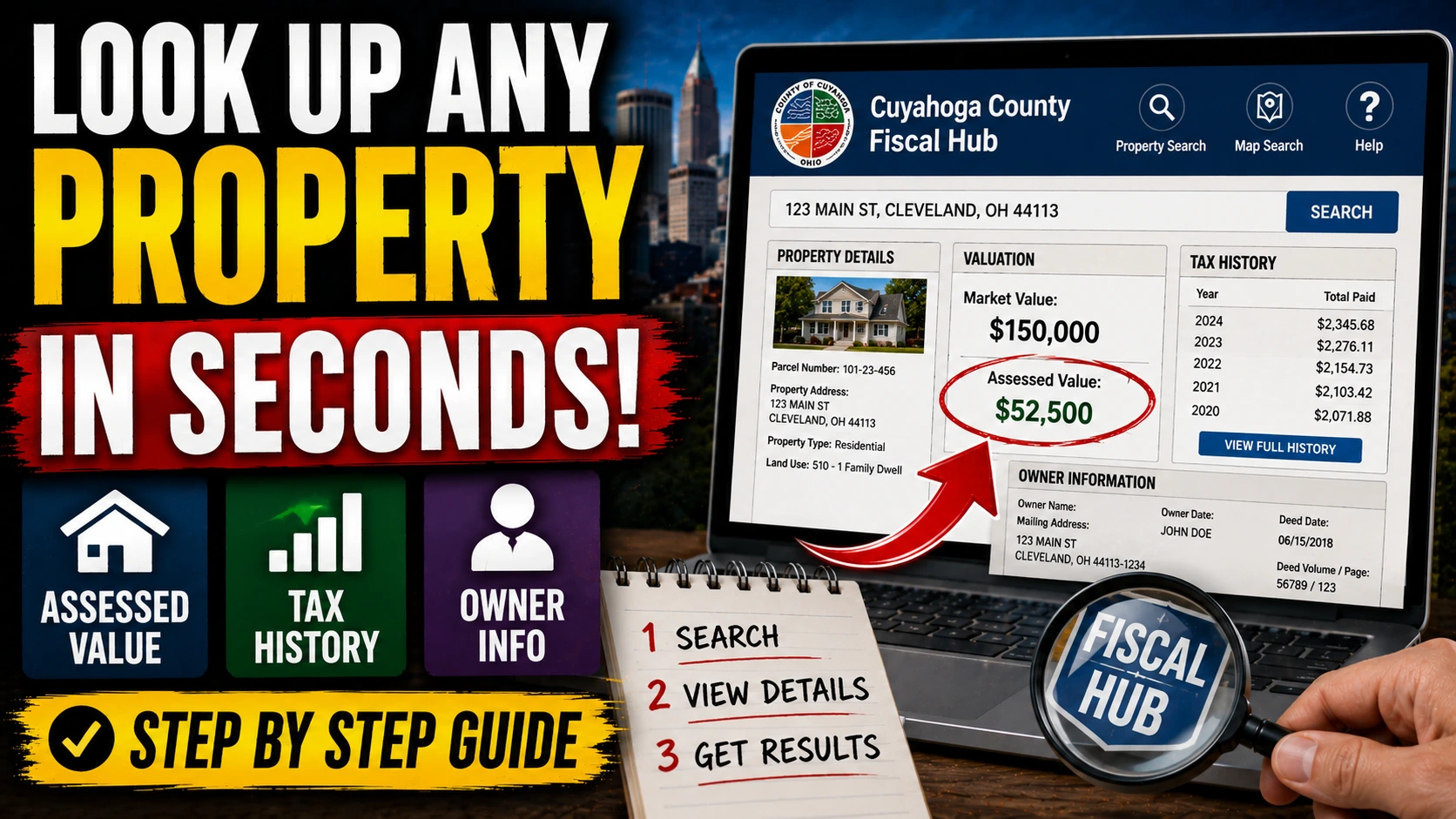
Your neighbor just sold their house. The listing said one thing. The county has a completely different number on file. And you’re sitting there wondering — what does the county actually think your home is worth?
It’s a fair question. In Cuyahoga County, the difference between what the auditor thinks your property is worth and what it’s actually worth on today’s market can mean hundreds — sometimes thousands — of dollars in property taxes paid unnecessarily every year. Most homeowners never check. They get the bill, they pay it, they move on.
That’s exactly what the county is counting on.
The Cuyahoga County Fiscal Hub is a free, publicly accessible tool that puts full property records in your hands in under two minutes. Assessed values, tax history, ownership records, deed transfers — it’s all there, updated regularly, available to anyone with an internet connection. The question isn’t whether you can look this up. The question is why you haven’t yet.
What the Fiscal Hub Actually Is
The Cuyahoga County Fiscal Hub — accessible at fiscalhub.cuyahogacounty.gov — is the county’s centralized portal combining data from multiple county offices, primarily the Auditor and the Recorder. It replaced a fragmented system of separate portals that made searching unnecessarily complicated.
Think of it as a one-stop window into the official county record on any parcel of land in Cuyahoga County. You don’t need to be a title company or an attorney. You don’t need an account. You don’t need to file a public records request. You just need the address.
Step 1: Search by Address, Owner Name, or Parcel Number
Go to fiscalhub.cuyahogacounty.gov and you’ll land on a search bar immediately. Three search methods are available:
By address — Type the street number and street name. You don’t need the city or zip code, though adding them narrows results if the street name appears in multiple municipalities. Hit enter.
By owner name — Useful if you know who owns a property but not the address. Enter last name first for best results.
By parcel number — Every property in Cuyahoga County has a unique 15-digit parcel identification number. If you already have it from a tax bill or deed, this is the fastest method.
For most homeowners checking their own property, address search is the default. Results populate quickly. Click on the correct property from the results list.
Step 2: Read the Property Summary Page
This is where it gets interesting.
The property summary page displays the core record. Here’s what you’re looking at:
Owner of record — The legal owner as recorded with the county. If you bought your home and the name on this page doesn’t match yours, there may be a recording delay — or a problem worth investigating.
Property address and legal description — The legal description references the original plat or survey, not just the street address. Useful for boundary questions.
Land use classification — Whether the property is classified as residential, commercial, agricultural, or otherwise. This classification directly affects how the property is taxed. Misclassification happens more than most people realize.
Tax district — Identifies which taxing jurisdictions apply to this parcel: school district, city or township, library district, and so on. Two houses on the same block can sometimes fall in different tax districts.
Step 3: Find the Assessed Value — and Understand What It Actually Means
Click into the Valuation section. This is the number that determines your tax bill.
In Ohio, property is taxed on 35% of its appraised value — a figure called the assessed value. The county auditor determines the appraised value through a combination of mass appraisal modeling and periodic reappraisals. Cuyahoga County completed a full countywide reappraisal with values effective for the 2023 tax year — and for many homeowners, those numbers jumped significantly.
Here’s the math that matters:
Say the county has appraised your home at $220,000. Your assessed value is 35% of that — $77,000. Your effective millage rate (which you can also find on the Fiscal Hub) determines the actual tax. At a combined rate of roughly 80 mills — not unusual in parts of Cleveland Heights, Lakewood, or South Euclid — that $77,000 assessed value produces a tax bill around $6,160 per year.
Now change one variable. Suppose your home was actually appraised at $190,000 instead, reflecting market reality more accurately. Assessed value drops to $66,500. Same millage rate: your bill drops to roughly $5,320. That’s $840 a year. Every year. Simply because the starting number was correct.
The county doesn’t automatically correct its own errors. You have to catch them.
Step 4: Review the Tax History
The Fiscal Hub shows a running history of taxes billed and paid on the property — typically going back several years. This section is underused by homeowners and extraordinarily useful.
What to look for:
- Year-over-year changes in the tax bill — A sudden spike often traces to a levy passing or a reappraisal cycle. You can compare years to isolate which factor drove the increase.
- Delinquency status — If you’re considering purchasing a property, delinquent taxes are a liability that can attach to the parcel, not just the owner.
- Special assessments — These appear as separate line items and fund specific improvements like street repairs or sewer upgrades. They are not permanent but can add hundreds of dollars annually for their duration.
One counterintuitive thing many homeowners don’t realize: your property tax bill can increase even in years when your home’s appraised value stays flat, because new levies pass or existing levies inside the ten-mill limit are recalculated. The appraised value and the tax bill are related — but not locked together.
Step 5: Pull the Transfer History and Deed Information
Scroll to the Transfer History section. Every time a property has changed hands in the county’s digital records, that transaction appears here — sale date, sale price, and the type of deed recorded.
This data is quietly powerful. It lets you:
- Verify what a property actually sold for, not what the listing claimed
- Identify whether a recent sale was arm’s-length (between unrelated parties at market price) or a non-arm’s-length transfer like a family deed or foreclosure — which matters because arm’s-length sales are the primary comparables used in valuation challenges
- Check for deed transfers that didn’t involve a traditional sale, which can sometimes indicate estate transfers or ownership restructuring
For homeowners considering a Board of Revision appeal, the transfer history for comparable properties on the Fiscal Hub can provide direct evidence of market value. Sales of similar homes within a 12-month window carry real weight in BOR proceedings.
What to Do If the Numbers Look Wrong
The Fiscal Hub is informational — it reflects the county’s current record. It doesn’t change anything by itself.
If you believe your appraised value is too high relative to actual market conditions, the formal remedy is a complaint filed with the Cuyahoga County Board of Revision. The filing window for the 2023 tax year ran through April 2024 — but new opportunities open each year based on the current tax year, and the 2026 filing window applies to tax year 2025 values.
Even outside a formal appeal cycle, errors in ownership records, property classification, or special assessment application can sometimes be corrected by contacting the auditor’s office directly.
The most important first step is simply knowing what the county has on file. The Fiscal Hub gives you that. Takes two minutes. Costs nothing.
The homeowners paying too much are almost always the ones who never looked.